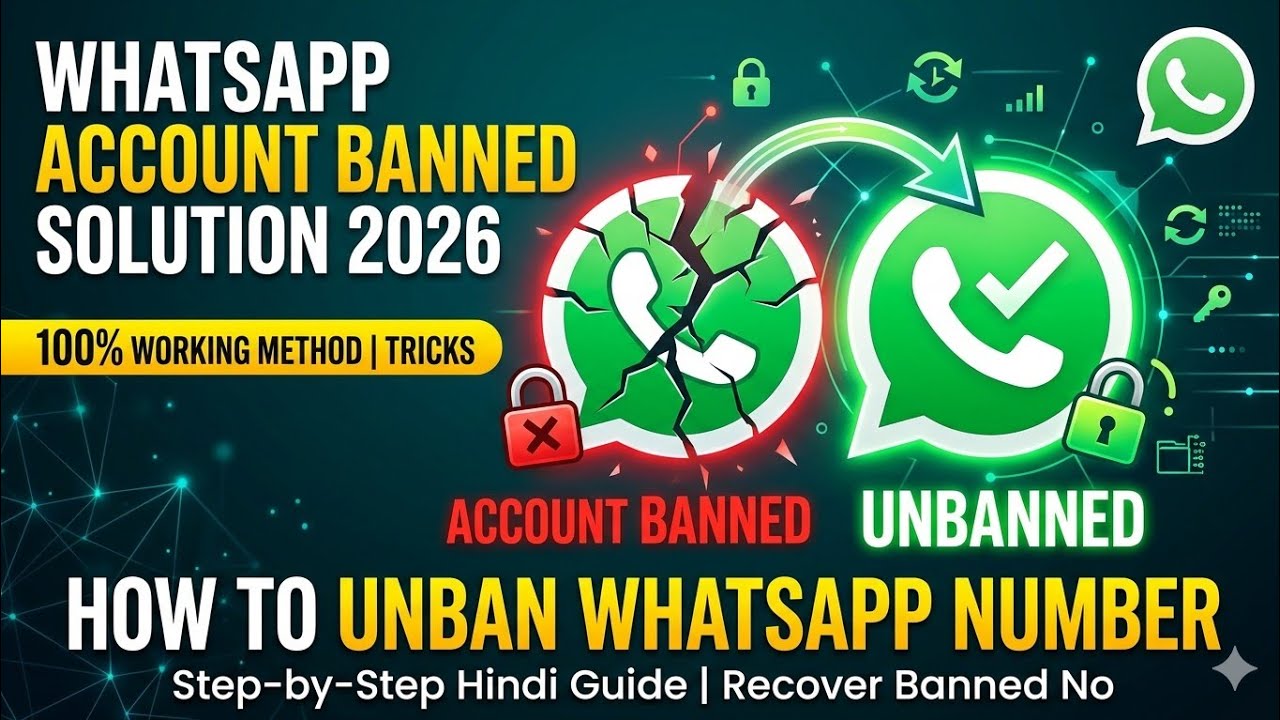

Waking up to a banned WhatsApp account feels frustrating — especially when all your contacts, chats, and groups are locked away. You’re not alone. Millions of users face this issue every year, and the good news is that many bans can be reversed.
In this guide, you’ll learn exactly why WhatsApp bans accounts, what types of bans exist, and the safest, most effective steps to get your account back. No risky tricks — just clear, honest advice.
What Does It Mean When WhatsApp Bans Your Account?
When WhatsApp bans your account, you lose access to the app completely. You’ll usually see a message like:
“Your phone number is banned from using WhatsApp. Contact support for help.”
This means WhatsApp’s system has flagged your account for violating its Terms of Service. The ban can be temporary or permanent depending on how serious the violation was.
Why Does WhatsApp Ban Accounts?
Understanding the reason behind your ban is the first step toward solving it. Here are the most common causes:
Sending bulk or spam messages — WhatsApp’s system automatically flags accounts that send the same message to many people in a short time.
Using unofficial versions of the app — Third-party apps that are not approved by WhatsApp often trigger automatic bans because they violate the platform’s terms.
Getting reported by multiple users — If several people report your account in a short period, WhatsApp may ban you automatically.
Sharing harmful or inappropriate content — Content that violates community standards can result in an immediate ban.
Adding people to groups without consent — This is considered a spammy behavior by WhatsApp’s algorithms.
Automated behavior — Using bots or automated tools to send messages is strictly against WhatsApp’s policies.
Types of WhatsApp Bans
Not all bans are the same. Here’s a quick breakdown:
Temporary Ban This usually happens when WhatsApp suspects unusual activity. Your account is locked for a few hours or days. You’ll typically see a countdown timer telling you when access will be restored.
Permanent Ban This is more serious. It happens after repeated violations or a single severe breach of WhatsApp’s Terms of Service. Without appealing, this ban does not lift on its own.
How to Unban a WhatsApp Account – Step by Step
Step 1: Check the Type of Ban
Open WhatsApp and read the message carefully. If you see a timer, it’s a temporary ban — wait it out. If there’s no timer and it says “permanently banned,” you’ll need to go through the appeal process.
Step 2: Uninstall Unofficial Apps
If you’ve been using any third-party WhatsApp app, uninstall it immediately. Then download the official WhatsApp application directly from the Google Play Store or Apple App Store. Using the official version is essential before you submit any appeal.
Step 3: Submit an Appeal to WhatsApp Support
This is the most important step. Here’s how to do it:
- Open WhatsApp after seeing the ban message
- Tap on “Support” or “Request a Review” if the option is visible
- Alternatively, go to Settings → Help → Contact Us
- You can also email WhatsApp directly at: support@whatsapp.com
In your message, be polite and honest. Explain that you believe the ban was a mistake and provide your phone number in international format (e.g., +1XXXXXXXXXX).
Step 4: Write a Clear and Respectful Appeal Message
Your appeal message matters a lot. Here’s a sample structure you can follow:
“Hello WhatsApp Support, my account with the number [your number] has been banned. I believe this may have been a mistake. I have always followed WhatsApp’s Terms of Service and would appreciate a review of my account. Thank you.”
Keep it short, calm, and respectful. Avoid sounding aggressive or demanding.
Step 5: Wait for a Response
WhatsApp support usually responds within 24 to 72 hours. Check your email regularly. In some cases, they may ask for additional verification.
Step 6: Follow Up if Needed
If you don’t hear back within 3 days, send a polite follow-up email. Don’t spam their support — one follow-up is enough. Multiple emails can actually slow down the review process.
What to Do While Waiting for Your Ban Appeal
While your appeal is under review, here are a few smart things you can do:
- Avoid creating a new account with the same number — this can make things worse
- Do not use any third-party tools that claim to “instantly unban” your account — most of these are scams
- Review WhatsApp’s Terms of Service so you understand what to avoid in the future
- Use WhatsApp Web or another registered number temporarily if you need to stay in touch
Can You Prevent a WhatsApp Ban in the Future?
Absolutely. Once your account is restored, follow these best practices to stay safe:
Only use the official WhatsApp app. Always download updates from trusted app stores. Unofficial versions are the number one cause of sudden bans.
Don’t send the same message to too many people at once. If you need to send group updates, use the Broadcast feature carefully and only with people who have your number saved.
Respect group members. Avoid adding strangers to groups without their permission. This is one of the most commonly reported behaviors.
Don’t use automation tools. Bots that auto-reply or auto-send messages violate WhatsApp’s policies, even if used for business purposes without WhatsApp’s official API.
Use WhatsApp Business API for large-scale messaging. If you run a business and need to reach many customers, use the official WhatsApp Business API — it’s the right and safe way to scale communication.
Sample Appeal Email Templates You Can Use
Template 1 – For a General Ban (Not Sure of the Reason):
Dear WhatsApp Support Team,

My WhatsApp account has recently been banned, and I believe this may have happened by mistake. I always try to follow WhatsApp’s terms and policies and use the application responsibly.

My phone number: +92XXXXXXXXXX

This account is very important for my personal and business communication. I kindly request you to please review my account again and remove the ban if possible.

If there was any unintentional violation, I sincerely apologize and assure you that it will not happen again in the future.

Thank you for your time and support. I look forward to your response.

Best regards.
Template 2 – For Ban Due to Using GB WhatsApp or Unofficial App:
Dear WhatsApp Support Team,

I recently received a message saying that I need to use the official WhatsApp application to log in to my account. I understand WhatsApp’s policy regarding unofficial or modified apps.

I want to inform you that I have now installed and am using the official WhatsApp application from the Google Play Store. I fully respect and follow WhatsApp’s terms of service.

My phone number: +92XXXXXXXXXX

I kindly request you to please review my account and allow me to log in again. If there was any issue before, I sincerely apologize and assure you that I will only use the official WhatsApp app going forward.

Thank you for your time and support. I hope my account can be restored soon.

Best regards.
You need to use official WhatsApp to login
Pros and Cons of Appealing a WhatsApp Ban
Pros:
- It’s completely free and safe
- Many temporary and even some permanent bans are successfully reversed
- You keep your original number and chat history in some cases
- No risk of further penalties when done correctly
Cons:
- There’s no guarantee your account will be restored
- The process can take several days
- WhatsApp doesn’t always explain the exact reason for the ban
- Permanent bans are harder to reverse, especially for repeat violations
Common Mistakes to Avoid
Many users accidentally make their situation worse. Here’s what NOT to do:
- Do not create multiple accounts using the same device while your ban is active
- Do not trust websites or services that promise to unban accounts for a fee — these are almost always scams
- Do not send aggressive emails to WhatsApp support; it reduces your chances of a successful appeal
- Do not reinstall the same unofficial app that caused the ban in the first place
FAQs – WhatsApp Banned Account
Q1: How long does a temporary WhatsApp ban last? A temporary ban usually lasts between 24 hours and 7 days. You’ll see a countdown timer in the app. Once it reaches zero, your access is automatically restored without needing to contact support.
Q2: Can a permanently banned WhatsApp account be recovered? Yes, in many cases it can — but it’s not guaranteed. Submitting a clear, polite appeal to WhatsApp support gives you the best chance. Accounts banned for the first time have a higher success rate than repeat offenders.
Q3: Will I lose my chats if my WhatsApp account is banned? Your chat history may still be available in your local backup or Google Drive / iCloud backup, depending on your settings. Once your account is restored, you may be able to restore your chats from a recent backup.
Q4: Is it safe to use third-party tools to unban WhatsApp? No. Any tool or website claiming to instantly unban your WhatsApp account is either a scam or could put your personal data at risk. The only safe method is to contact WhatsApp support directly through official channels.
Q5: What happens if WhatsApp rejects my appeal? If your appeal is rejected, you can try submitting one more request with more detail. If it’s rejected again, WhatsApp’s decision is usually final. In that case, you may need to register a new number and start fresh — making sure to follow all guidelines going forward.
Conclusion
Getting your WhatsApp account banned can be stressful, but it’s not always the end of the road. By understanding why bans happen, acting quickly, and following the official appeal process, you have a real chance of getting your account restored.
The key takeaways are simple: use only the official app, avoid spammy behavior, and communicate with WhatsApp support in a polite and honest way.
If you found this guide helpful, explore more tips on keeping your messaging accounts secure and running smoothly. Learning the right way to use these platforms is always the best long-term strategy.
Last updated: 2026 | Written for global audiences | Based on WhatsApp’s official Terms of Service and support guidelines.