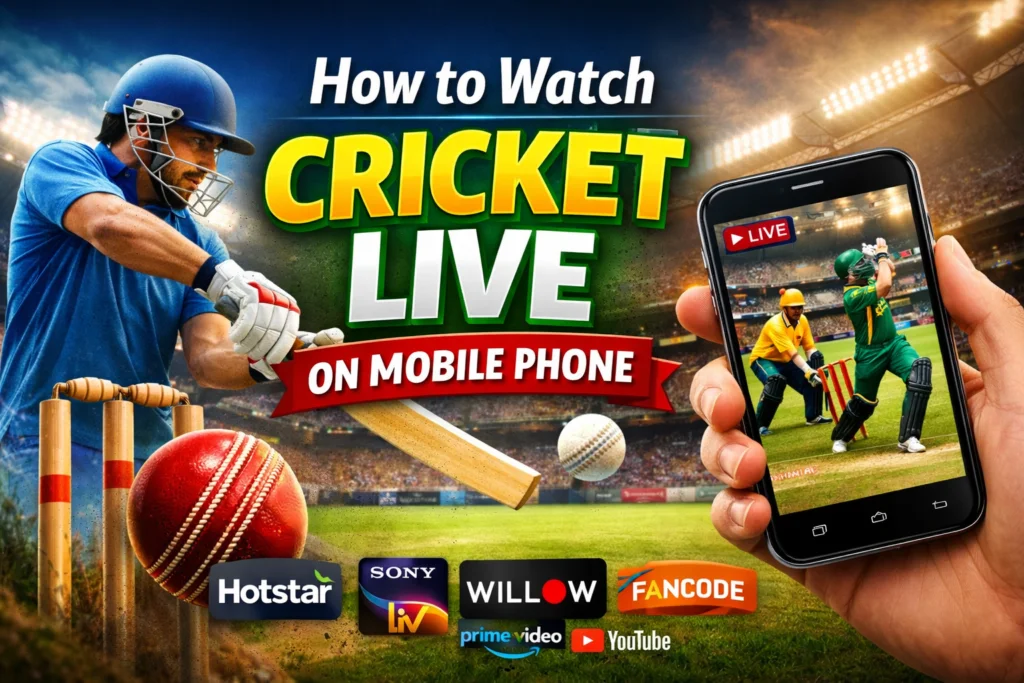

Cricket is more than a sport — it’s a passion shared by hundreds of millions of fans around the world. Whether it’s a high-voltage T20 final or a classic five-day Test match, missing a single ball can feel like a crime.
The good news? You no longer need a TV to catch the action. Today, watching cricket live on your mobile is easier, faster, and more affordable than ever before.
In this guide, you’ll learn the best legal ways to stream cricket live on your phone, which platforms work globally, and practical tips to get the best viewing experience — even on a slow connection.
What Does “Live Streaming Cricket on Mobile” Mean?
Live streaming means watching a match in real time through the internet — no cable box, no satellite dish, no waiting for highlights.
When you stream cricket on your mobile, the video travels from the broadcaster’s server directly to your phone through your internet connection. You can watch on Wi-Fi, 4G, or even 3G in some cases.
It’s the modern way millions of fans follow their favorite teams — whether they’re at home, at work, or traveling abroad.
Key Benefits of Watching Cricket Live on Mobile
There are some very real advantages to streaming cricket on your phone instead of watching on a traditional TV:
- Watch from anywhere — your couch, office, or a long commute
- No expensive cable subscription required
- Multiple camera angles on many platforms
- Live scores, stats, and commentary built right into the app
- Replay and pause features so you never miss a moment
- Notifications and alerts for wickets, milestones, and match updates
- Cost-effective options — many platforms offer free or low-cost access
Best Legal Platforms to Watch Cricket Live on Mobile
Here are the most trusted and widely available platforms used by cricket fans globally. Most of these work across Android and iOS devices.
1. Hotstar / Disney+ Hotstar
One of the most popular cricket streaming platforms in Asia and beyond. It carries live rights for IPL, international matches, and major tournaments. It offers both free and premium plans depending on your region.
2. Willow TV
A great choice for cricket fans living in North America. Willow TV streams international cricket matches including tours, series, and ICC events. It’s available as a subscription on various TV and mobile platforms.
3. Sky Sports / Now TV
For fans in the United Kingdom, Sky Sports is the go-to option. The Now TV app lets you watch Sky Sports on mobile without a long-term contract — you can buy a day pass when a big match is on.
4. Sony LIV
Sony LIV broadcasts major international cricket in several regions, including South Asia. It has a clean mobile interface and solid streaming quality even on moderate internet speeds.
5. Fox Sports / Kayo Sports
Cricket fans in Australia can use Kayo Sports, which streams cricket alongside dozens of other sports. It’s mobile-friendly and offers multi-screen viewing so you can watch two matches side by side.
6. YouTube (Official Channels)
Several cricket boards — including the ICC, ECB, and others — stream selected matches or highlights live and for free on their official YouTube channels. This is a 100% legal and free option worth bookmarking.
7. Cricket.com / ESPN Cricinfo
While primarily a stats and news platform, ESPN Cricinfo and Cricket.com often embed live streaming partners and provide ball-by-ball text commentary — perfect when video streaming isn’t possible.
Platform Comparison at a Glance
| Platform | Best For | Free Option | Mobile App |
|---|---|---|---|
| Hotstar | Asia, IPL fans | Yes (limited) | ✅ |
| Willow TV | North America | No | ✅ |
| Sky Sports / Now TV | UK fans | Day pass available | ✅ |
| Sony LIV | South Asia | Yes (limited) | ✅ |
| Kayo Sports | Australia | Trial available | ✅ |
| YouTube (Official) | Global, free streams | Yes | ✅ |
Pros and Cons of Mobile Cricket Streaming
✅ Pros
- Watch live from literally anywhere in the world
- More affordable than cable TV in most regions
- Instant access — no setup, no waiting
- Extra features like stats, replays, and multi-cam views
- Many platforms offer free trials or free-tier access
❌ Cons
- Requires a stable internet connection
- Video quality can drop on slow networks
- Some platforms are region-locked (geo-restricted)
- Battery drains faster during long streaming sessions
- Premium matches may require a paid subscription
Practical Tips for the Best Cricket Streaming Experience
Getting a smooth, uninterrupted stream on your mobile takes a little preparation. Here’s what experienced cricket fans do:
1. Use a Strong Wi-Fi or 4G Connection Streaming video needs consistent bandwidth. If your Wi-Fi is weak, switch to mobile data. For HD streaming, aim for at least 5 Mbps of internet speed.
2. Lower the Video Quality on Slow Connections Most apps let you manually set the stream quality. Dropping from 1080p to 480p can make the difference between a smooth match and constant buffering.
3. Keep Your App Updated Outdated apps can crash or buffer more than usual. Always run the latest version of your streaming app to get performance improvements and bug fixes.
4. Use Headphones for Better Audio Commentary is a huge part of the cricket experience. Plug in your headphones or connect a Bluetooth speaker for immersive audio.
5. Enable Data Saver Mode If you’re on limited mobile data, turn on the data saver setting inside your streaming app. You’ll still watch live cricket, just at a slightly lower resolution.
6. Charge Your Phone or Keep a Power Bank Handy A full Test match day can drain your battery fast. Keep a power bank nearby or watch while your phone is charging.
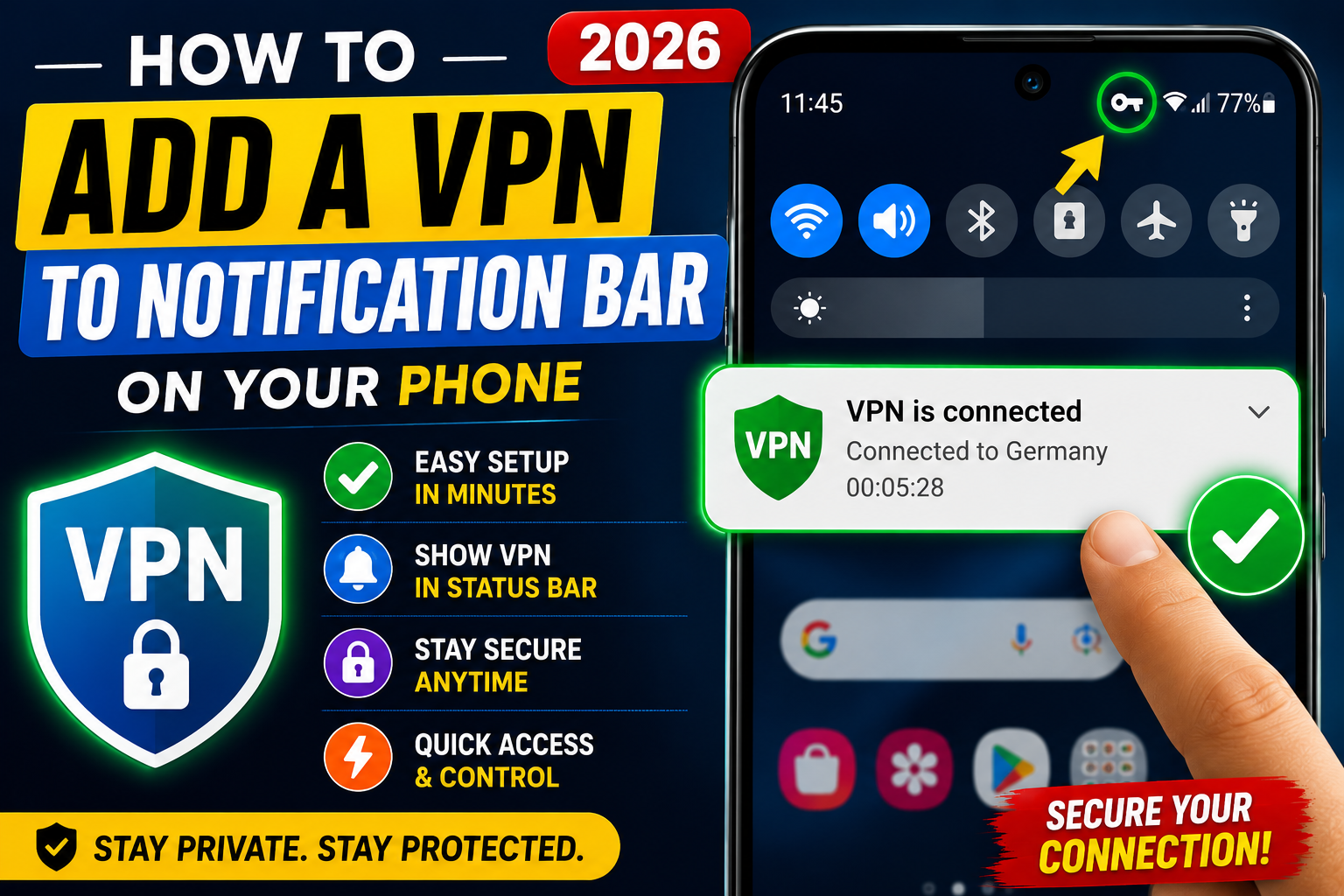
7. Use a VPN for Legal Access Abroad If you’re traveling internationally and your usual streaming service is not available in that country, a reputable VPN can help you access your home platform legally. Always check the platform’s terms of service first.
FAQs — Watching Cricket Live on Mobile
Q1: Can I watch cricket live on my phone for free? Yes! Several official channels stream select matches for free. ICC’s official YouTube channel, certain cricket board channels, and free tiers of platforms like Hotstar offer free live streaming for some matches. Premium tournaments may require a subscription.
Q2: Which is the best app to watch cricket live globally? There is no single “best” app for everyone — it depends on your location. Hotstar is best for South Asian fans, Kayo is ideal for Australia, and Willow TV works well in North America. YouTube official channels are the most universally accessible free option.
Q3: How much internet speed do I need to stream cricket on mobile? For standard definition (SD), 2–3 Mbps is enough. For high definition (HD), you’ll want at least 5 Mbps. If you’re on 4G or a strong Wi-Fi network, most modern phones handle this easily.
Q4: Is it legal to stream cricket matches on mobile? Absolutely — as long as you’re using an official, licensed platform. The platforms listed in this article all hold proper broadcasting rights. Always use authorized services to stay safe and support the sport.
Q5: Can I watch cricket live on an older Android or iPhone? Most streaming apps support phones running Android 6.0 or iOS 13 and above. If your phone is older than that, it may still work but performance might not be optimal. Check each app’s requirements in the App Store or Play Store.
Conclusion
Watching cricket live on your mobile has never been more accessible. With so many legal, high-quality platforms available globally — from Hotstar and Sony LIV to YouTube’s official channels — you can follow every match, every over, and every wicket right from your phone.
The key is choosing the right platform for your region, having a reliable internet connection, and using a few simple tricks to get smooth, buffer-free streaming.
Whether you’re a die-hard fan tracking every ball or a casual viewer checking in on a big final, your mobile phone is now your best cricket companion.
Explore the platforms mentioned above, pick the one that fits your region and budget, and never miss a match again. 🏏